Automatic barrier / gate
A whitelisted plate fires plate.allowed; wire the direct callback URL to a barrier opener and known vehicles get in without a fob or a guard.
Read license plates off any live camera, match a whitelist/blacklist and act in real time.
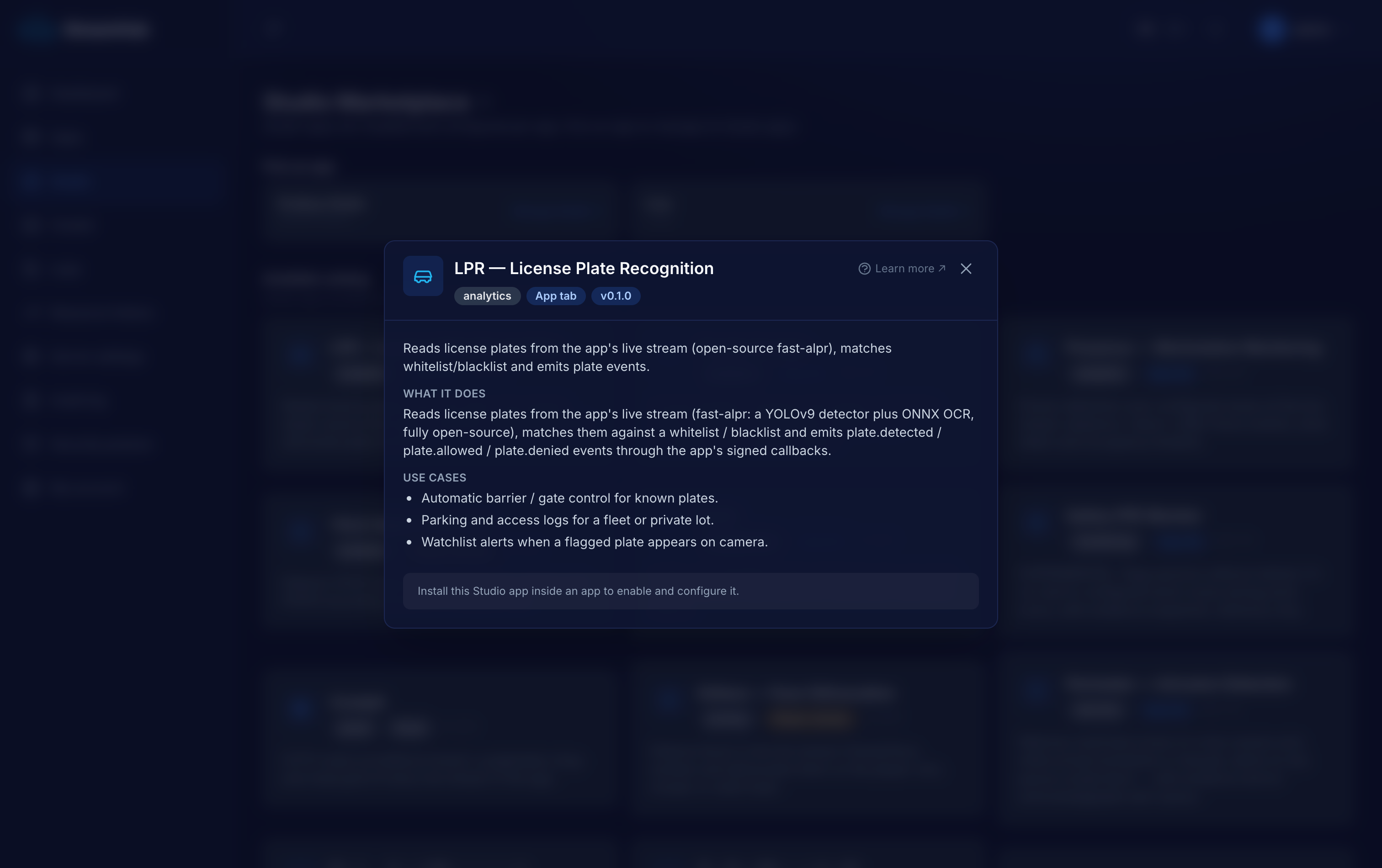
A gate, a barrier or a parking entrance runs on knowing which vehicle just arrived. Commercial ALPR is a licensed black box; LPR does the same job on open-source models you own, deduplicates the reads so an idling car does not spam you, and hands the verdict to whatever you already run — a barrier controller, an alerting system, a parking log.
A whitelisted plate fires plate.allowed; wire the direct callback URL to a barrier opener and known vehicles get in without a fob or a guard.
A blacklisted plate fires plate.denied (blacklist wins over whitelist), so a flagged vehicle raises an alert with a snapshot the moment it appears.
Every read is deduped, timestamped, snapshotted and logged to per-plugin SQLite — a plate-level record of what came and went for a lot or a drive-through.
A worker pulls the app's live stream over HLS and samples a few frames a second — plenty for a vehicle stopping at a barrier.
YOLOv9-t plate detection + ONNX OCR (fast-alpr, MIT). Each read is normalized (case/separators stripped), deduped within a window and matched to your whitelist/blacklist.
The verdict flows through the app's HMAC-signed callbacks (+ MQTT) and, optionally, straight to a direct callback URL such as a barrier opener.
A recent-reads table with snapshots and list badges lands in the dashboard tab; your system opens the gate, raises the alert, or files the record.
Declared in the plugin manifest and relayed through the app's HMAC-signed callbacks (webhook + MQTT). Anything a worker tries to emit that is not on this list is rejected — no core-event spoofing.
Numbers are the plugin authors' honest measurements, not marketing. GPU is optional on every vision plugin except where noted.
Every Studio app is a first-class application, not a config modal — and it does not have to live inside StreamHub.
Opens as its own page inside the tenant app — zones, live panels, history and settings on one surface, not squeezed into a dialog.
Keeps its state in a dedicated per-app SQLite database — reads, alerts, occupancy and evidence rows — that you own and can query.
Download the app as a self-contained bundle — worker, Dockerfile, compose and an env template — to self-host on your own infra and extend, talking back over the REST API and signed webhooks.
Tell us what you are monitoring and we will scope the right apps, wire them into your systems and run them with you. The software is open source — the deployment and operation is what we do.