Store footfall & conversion
IN/OUT at the entrance gives you visits over time; pair it with sales to get conversion, and with live occupancy to see dwell — no separate counter hardware.
Count people across a line drawn on the live video — IN/OUT totals, live occupancy and capacity alerts.
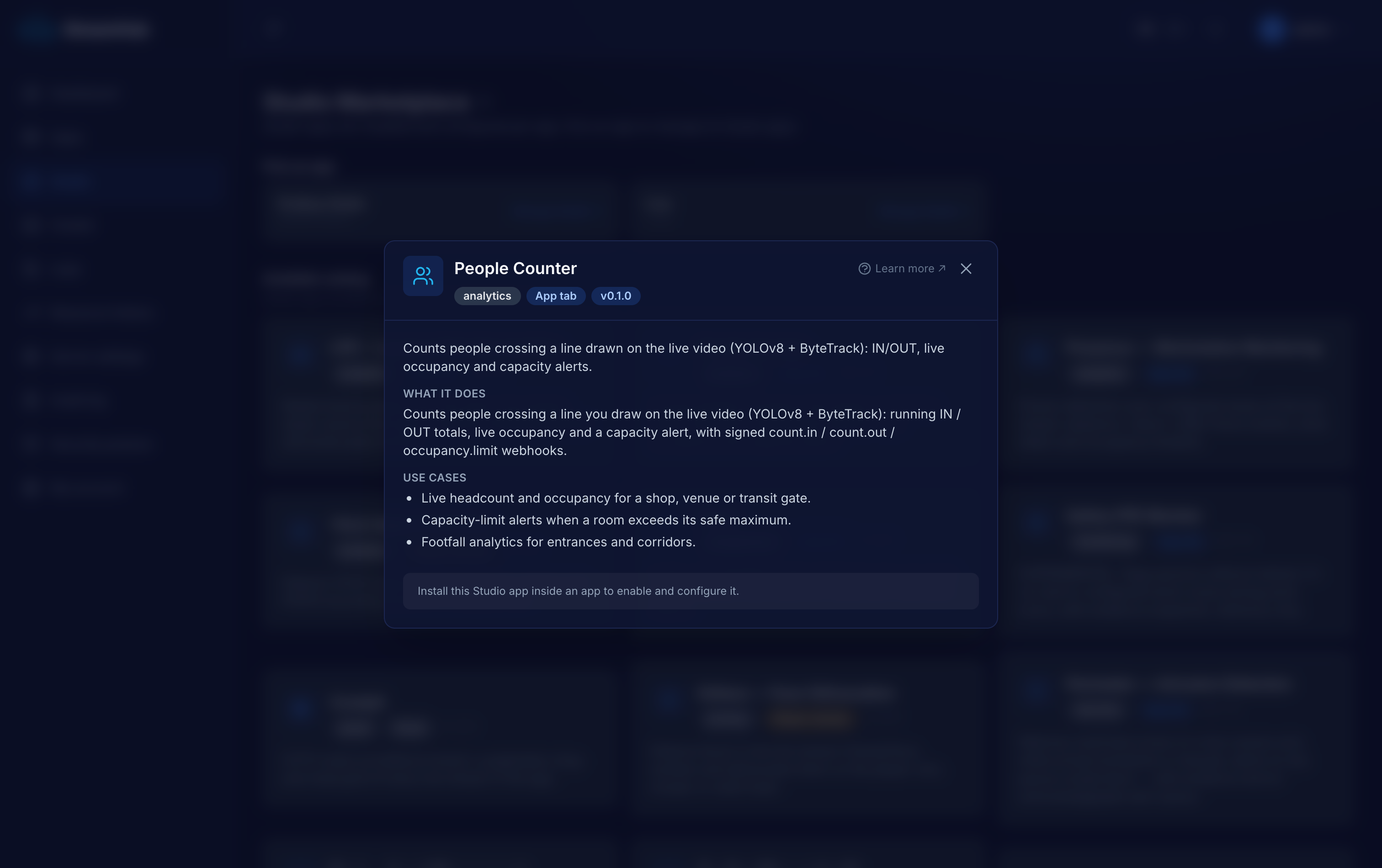
Footfall and live occupancy drive real decisions — staffing, conversion, capacity limits — but the numbers usually live in a separate counting box bolted over the door. People Counter reads them straight off the camera you already have, with the counting line drawn on the live frame so you can see exactly what it counts.
IN/OUT at the entrance gives you visits over time; pair it with sales to get conversion, and with live occupancy to see dwell — no separate counter hardware.
Set a capacity threshold and fire one occupancy.limit event when the room fills, re-arming when it drains — for venues, stores or waiting rooms with a legal or comfort cap.
Count people through a corridor, gate or turnstile to understand flow and peaks across a shift.
A worker pulls the live stream over HLS. You draw (and rotate) the counting line and its IN arrow on a live frame in the dashboard; it persists as normalized coordinates.
Person detection plus ByteTrack tracking with a production-tuned config counts a crossing only when a tracked person appears on both sides of the line.
count.in, count.out and occupancy.limit are POSTed to your callback URL, signed with the same HMAC scheme as the app callbacks — one verifier handles both.
Live totals and occupancy show in the dashboard tab; every crossing and occupancy sample persists in per-plugin SQLite for your reporting.
Declared in the plugin manifest and relayed through the app's HMAC-signed callbacks (webhook + MQTT). Anything a worker tries to emit that is not on this list is rejected — no core-event spoofing.
Numbers are the plugin authors' honest measurements, not marketing. GPU is optional on every vision plugin except where noted.
Every Studio app is a first-class application, not a config modal — and it does not have to live inside StreamHub.
Opens as its own page inside the tenant app — zones, live panels, history and settings on one surface, not squeezed into a dialog.
Keeps its state in a dedicated per-app SQLite database — reads, alerts, occupancy and evidence rows — that you own and can query.
Download the app as a self-contained bundle — worker, Dockerfile, compose and an env template — to self-host on your own infra and extend, talking back over the REST API and signed webhooks.
Tell us what you are monitoring and we will scope the right apps, wire them into your systems and run them with you. The software is open source — the deployment and operation is what we do.