After-hours intrusion
Arm the yard or warehouse overnight and on weekends; any person in a restricted zone fires perimeter.intrusion with a snapshot and a short clip attached.
Alert on anyone entering a restricted zone while the perimeter is armed — with snapshot and clip evidence.
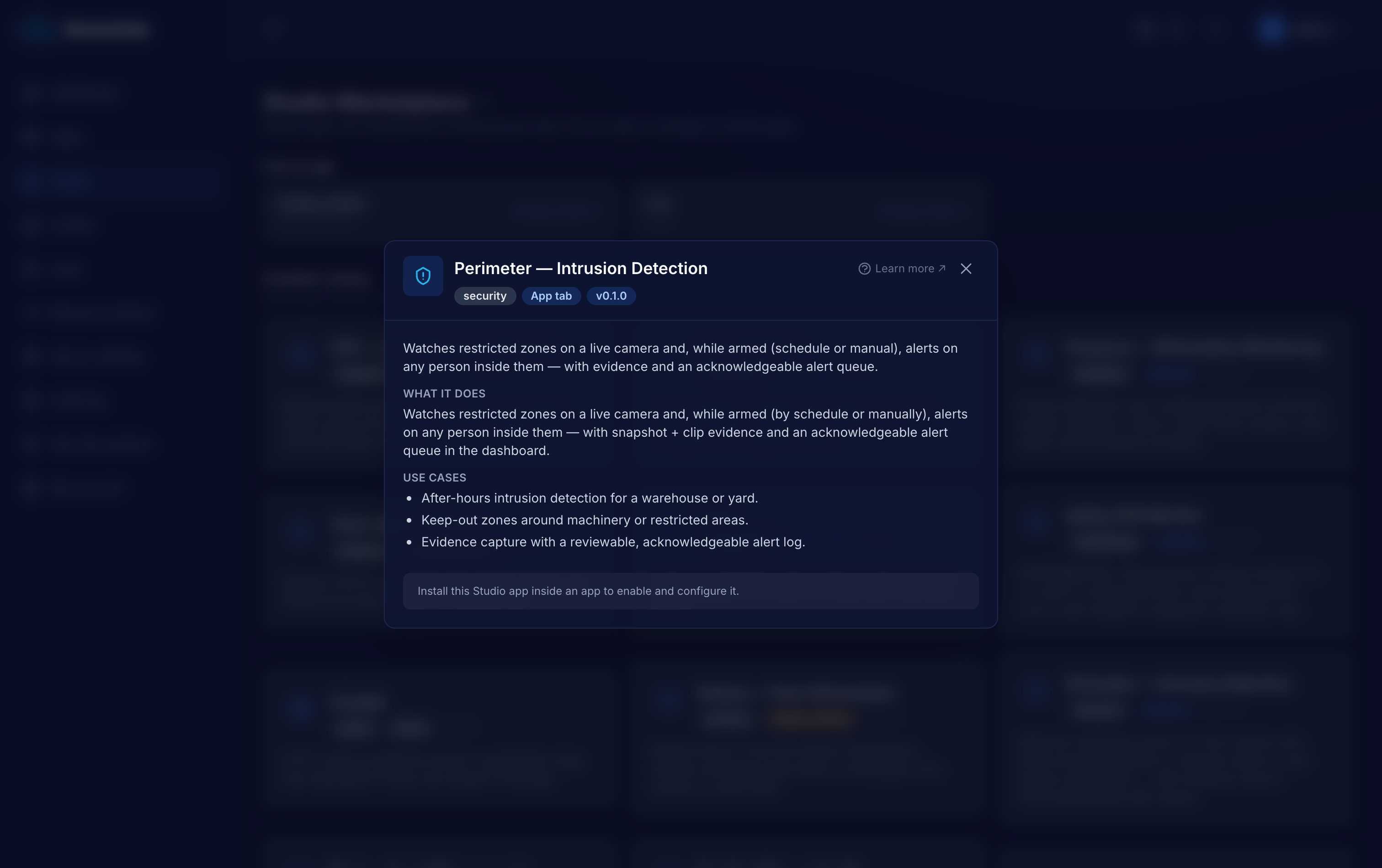
A yard, a fence line, a loading dock or a no-go machine cell is only "restricted" if someone is watching it — and nobody watches a quiet camera at 3 a.m. Perimeter arms itself on a schedule (or on demand), raises an alert the moment a person is inside a zone, and keeps the evidence, so the response is about acting on the alert rather than scrubbing footage after the fact.
Arm the yard or warehouse overnight and on weekends; any person in a restricted zone fires perimeter.intrusion with a snapshot and a short clip attached.
Mark a machine cell or hazardous area and alert whenever someone steps inside it, armed during operating hours instead of only after dark.
An acknowledgeable alert queue means an operator can work a night of alerts and mark them handled; armed state and alerts are readable only when authenticated.
A worker watches the camera over HLS. You draw the restricted zones in the dashboard and set the arm schedule (IANA timezone, weekend rules) or flip a manual arm/disarm toggle.
YOLOv8 person detection tests each person's foot point against the zones; hits only fire while armed. A per-zone cooldown bounds the alert rate.
perimeter.intrusion POSTs to your webhook (HMAC-signed when a secret is set) and stores on-disk evidence: a JPEG plus a no-re-encode clip of the last segments.
Alerts land in an acknowledgeable queue in the dashboard tab; acknowledging marks that alert and everything older as handled.
Declared in the plugin manifest and relayed through the app's HMAC-signed callbacks (webhook + MQTT). Anything a worker tries to emit that is not on this list is rejected — no core-event spoofing.
Numbers are the plugin authors' honest measurements, not marketing. GPU is optional on every vision plugin except where noted.
Every Studio app is a first-class application, not a config modal — and it does not have to live inside StreamHub.
Opens as its own page inside the tenant app — zones, live panels, history and settings on one surface, not squeezed into a dialog.
Keeps its state in a dedicated per-app SQLite database — reads, alerts, occupancy and evidence rows — that you own and can query.
Download the app as a self-contained bundle — worker, Dockerfile, compose and an env template — to self-host on your own infra and extend, talking back over the REST API and signed webhooks.
Tell us what you are monitoring and we will scope the right apps, wire them into your systems and run them with you. The software is open source — the deployment and operation is what we do.