Manned-desk assurance
Mark the reception or help-desk zone and fire presence.absent when it stays empty past a threshold, so a supervisor knows the post was left before a customer does.
Know when a workstation or post is left unattended — or manned outside the schedule.
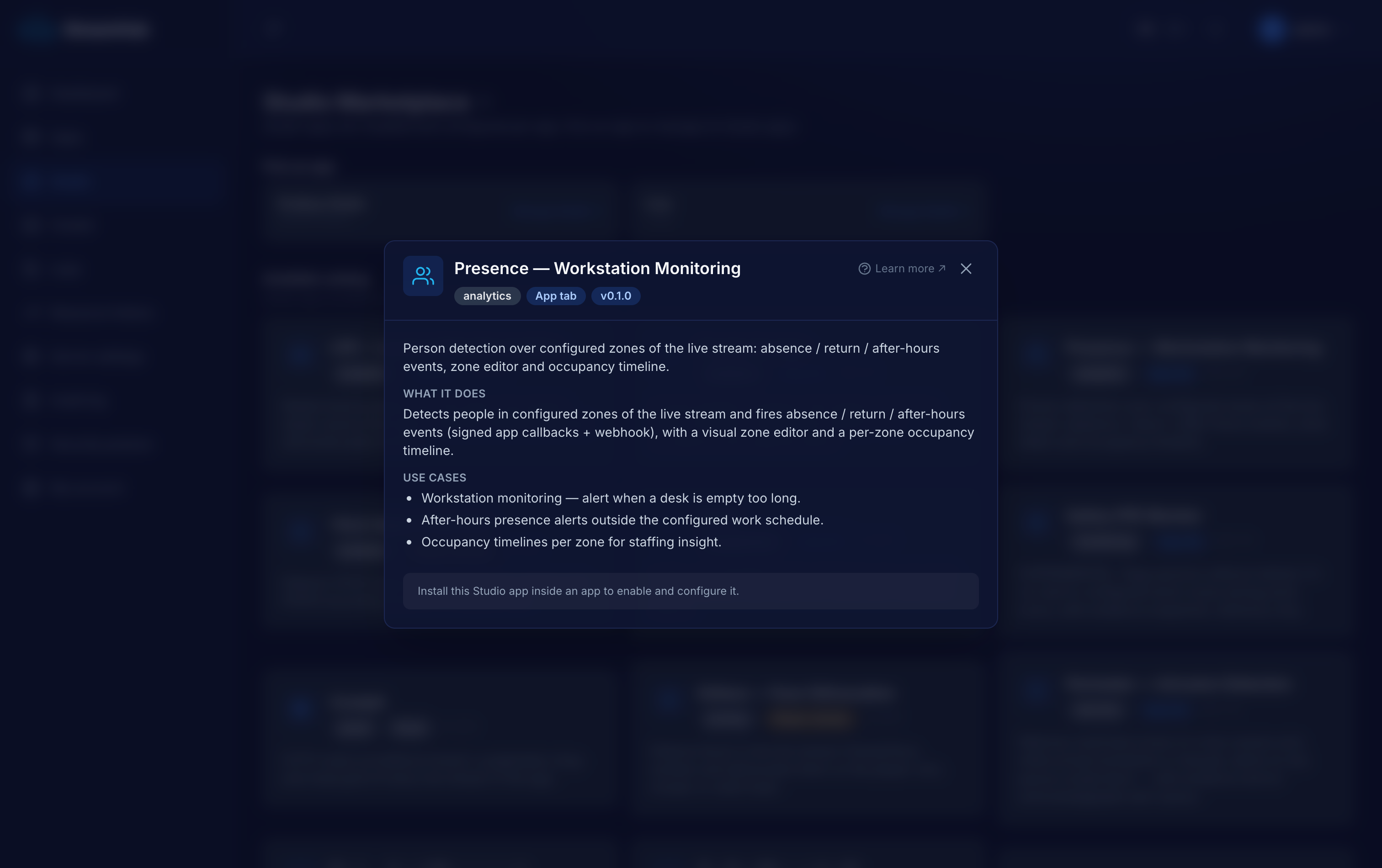
Some posts must be staffed: a reception desk, a security booth, a control room, a service counter. Watching a wall of cameras to catch an empty chair does not scale, and after-hours activity at a desk is easy to miss entirely. Presence turns "is this station manned?" into an event your systems can act on.
Mark the reception or help-desk zone and fire presence.absent when it stays empty past a threshold, so a supervisor knows the post was left before a customer does.
A control or operator station that must never be empty during a shift: an absent-then-returned pair gives you an auditable timeline of every gap.
presence.after_hours flags a person present at a workstation outside the configured work window and days — a quiet signal that something is happening off-schedule.
A worker samples the app's live stream over HLS at low FPS. You draw the workstation zones on a live frame right in the dashboard; they persist as normalized rectangles.
YOLOv8 person detection (open-source, CPU-viable) plus point-in-zone occupancy and absence timers, all evaluated against your work schedule and timezone.
The three events flow through the app's HMAC-signed webhooks and MQTT; an optional extra webhook URL gets the same raw JSON.
A per-zone occupancy timeline lands in the dashboard tab and in per-app SQLite; your systems consume the events to alert, log or escalate.
Declared in the plugin manifest and relayed through the app's HMAC-signed callbacks (webhook + MQTT). Anything a worker tries to emit that is not on this list is rejected — no core-event spoofing.
Numbers are the plugin authors' honest measurements, not marketing. GPU is optional on every vision plugin except where noted.
Every Studio app is a first-class application, not a config modal — and it does not have to live inside StreamHub.
Opens as its own page inside the tenant app — zones, live panels, history and settings on one surface, not squeezed into a dialog.
Keeps its state in a dedicated per-app SQLite database — reads, alerts, occupancy and evidence rows — that you own and can query.
Download the app as a self-contained bundle — worker, Dockerfile, compose and an env template — to self-host on your own infra and extend, talking back over the REST API and signed webhooks.
Tell us what you are monitoring and we will scope the right apps, wire them into your systems and run them with you. The software is open source — the deployment and operation is what we do.